What We Found
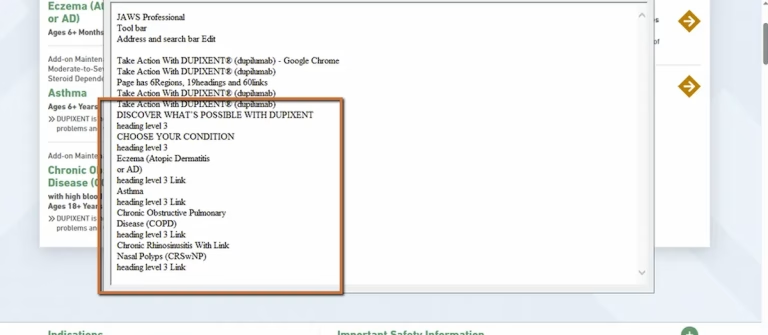
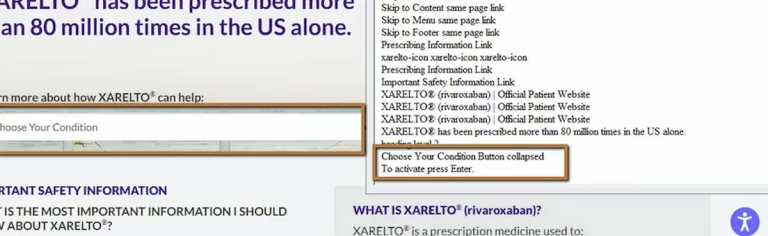
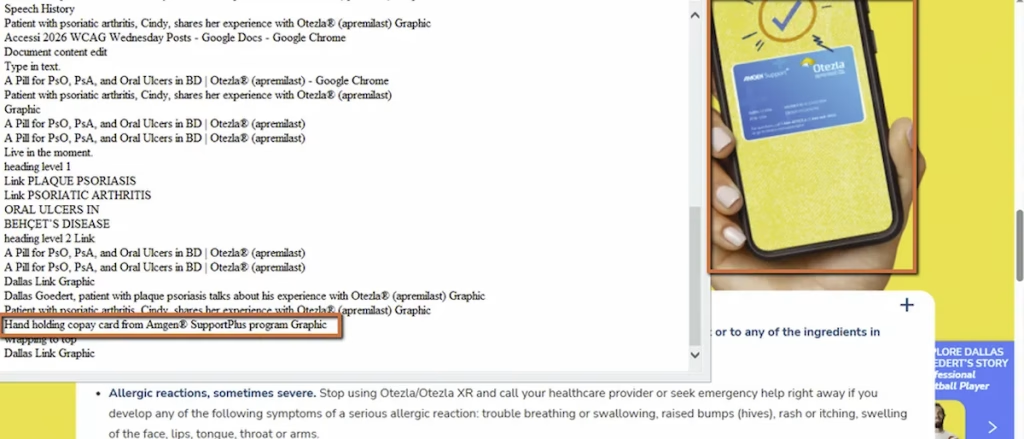
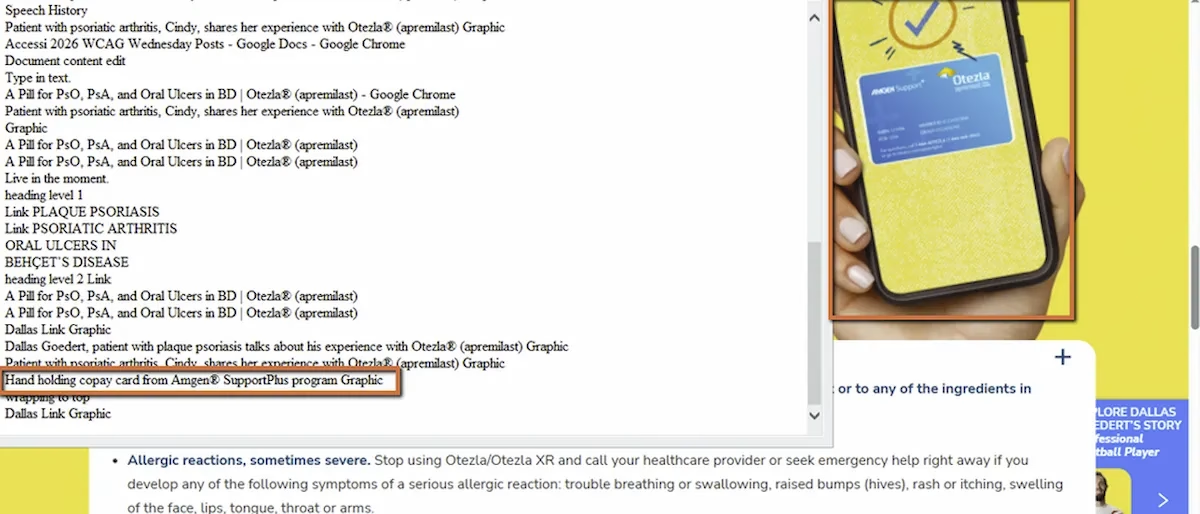
During a recent audit, we were navigating a page with a screen reader and kept hitting image announcements that had nothing to do with the content. A background graphic. A decorative banner. A branding accent image. None of them conveyed information. None of them functioned as links. They were purely visual.
But the screen reader didn’t know that. Depending on how the image was coded, it announced a file name, read out a generic description like “banner” or “graphic,” or just inserted an unexplained pause into the content flow. Each one was a small interruption. Across the full page, those interruptions added up.
WCAG 1.1.1: Non-text Content (Severity: High)
The Alt Text Conversation Most Teams Get Backwards
When most teams think about image accessibility, they think about adding alt text. And that’s right, for images that convey information. A chart, a product photo, an infographic, a picture that supports the surrounding content. Those need descriptions.
But accessibility isn’t just about describing everything on the page. It’s about communicating what matters and silencing what doesn’t. Decorative images fall into the “silence” category. Their accessible equivalent is nothing. No announcement. No description. The screen reader should skip them entirely.
This distinction matters because when teams treat every image the same way, one of two things happens. Either decorative images get meaningless alt text like “image,” “banner,” “decorative graphic,” which clutters the experience. Or someone writes a description for every image regardless of purpose, which buries meaningful content descriptions under a pile of irrelevant ones.
What This Actually Sounds Like
Imagine listening to a page being read aloud. You’re trying to get to the main content, find a heading, or locate a link. Instead, you keep hearing:
“Image, blue gradient banner.”“Image, decorative line.”“Image, DSC underscore 4872 dot jpg.”
Each one breaks your concentration. Each one takes a second or two of listening time. On a page with five or six decorative images, that’s a meaningful amount of noise standing between the user and the content they actually need.
Screen reader users already have to process every page linearly or by navigating landmarks and headings. Adding irrelevant image announcements makes that process slower and more frustrating.
The Fix
For decorative images, the fix is an empty alt attribute:
<img src="design-element.jpg" alt="">That empty alt=”” is the signal to assistive technology that the image is intentionally decorative and should be skipped. The screen reader moves right past it.An even cleaner approach for purely visual elements is to move them into CSS entirely:
.hero-background { background-image: url("design-element.jpg");}CSS background images don’t appear in the accessibility tree at all. If the image is only there for aesthetics, this is the most reliable way to keep it out of the screen reader’s path.One critical rule: never omit the alt attribute entirely. An img tag with no alt attribute is different from one with alt=””. Missing the attribute altogether can cause screen readers to announce the file name, which is almost always worse than any other outcome.
How to Decide: Describe or Silence?
When you encounter an image on a page, ask one question: if this image were removed, would the user miss any information?
If yes, it’s informative. Write a meaningful alt description.
If no, it’s decorative. Use alt=”” and let the screen reader skip it.
That’s the decision framework. A decorative border, a background gradient, a stylistic icon that repeats information already in the text: all decorative. A photo of a product, a chart showing data, an image that’s the only way to understand a concept: all informative.

Learn more about our human-led accessibility solutions that enable access for all
The Bigger Picture
This is one of those accessibility principles that sounds simple but gets mishandled constantly. We see it in almost every audit. Teams either over-describe (every image gets alt text regardless of purpose) or under-describe (no images get alt text at all). Both create problems.
The skill is in making the distinction. Accessible design isn’t about treating every element the same way. It’s about understanding each element’s purpose and coding it accordingly. Some images need to speak. Others need to stay quiet. Getting that balance right is what separates a genuinely accessible site from one that just checks a box.
Bottom Line
Accessibility is not about describing everything. It’s about communicating what matters and removing what doesn’t. A decorative image that gets announced by a screen reader isn’t helpful. It’s noise. Silence is the correct accessible outcome for images that serve no informational purpose.
No, only informative images need alt text. Decorative images should use an empty alt attribute (alt="") so screen readers can skip them.
Screen readers may announce file names or irrelevant descriptions, creating unnecessary noise and interrupting the user’s experience.
Ask if the image provides meaningful information. If removing it doesn’t affect understanding, it’s decorative and should not be announced.
Use alt="" for decorative images or implement them via CSS backgrounds to keep them out of the accessibility tree and avoid cluttering the experience.